Quick Answer
Photos can affect local search performance by improving how your Google Business Profile is understood, trusted and used by potential customers. They are not a guaranteed ranking shortcut, but relevant, clear and regularly updated images can support engagement signals such as profile views, website clicks, calls and direction requests. Good photos also help people decide whether your business looks credible before they contact you. For UK businesses, the most useful images show real premises, staff, products, services, completed work and local context. Treat local search ranking factor photos as part of wider Google Business Profile optimisation, alongside accurate details, reviews, categories and useful service information.
Intro
When UK businesses think about improving visibility in Google Maps and local search, they often focus on reviews, categories, keywords and proximity. Those all matter. But one area that is regularly overlooked is imagery.
If you want to understand the role of local search ranking factor photos, it helps to think beyond simple aesthetics. Photos can influence how often people click on your listing, how trustworthy your business appears, and how engaged users are once they find you. They are not the only factor behind rankings, but they are an important part of stronger Google Business Profile optimisation.
For business owners and marketing managers, this matters because local search is not just about being seen. It is about being chosen. The right images can help your business stand out in a crowded local market, support customer confidence, and improve the overall performance of your profile.
In this guide, we will explore how Google Business Profile photos support local SEO images, the types of photos that are most useful, and how to create a practical photo strategy that enhances local visibility and drives more enquiries.
Why photos matter in local search
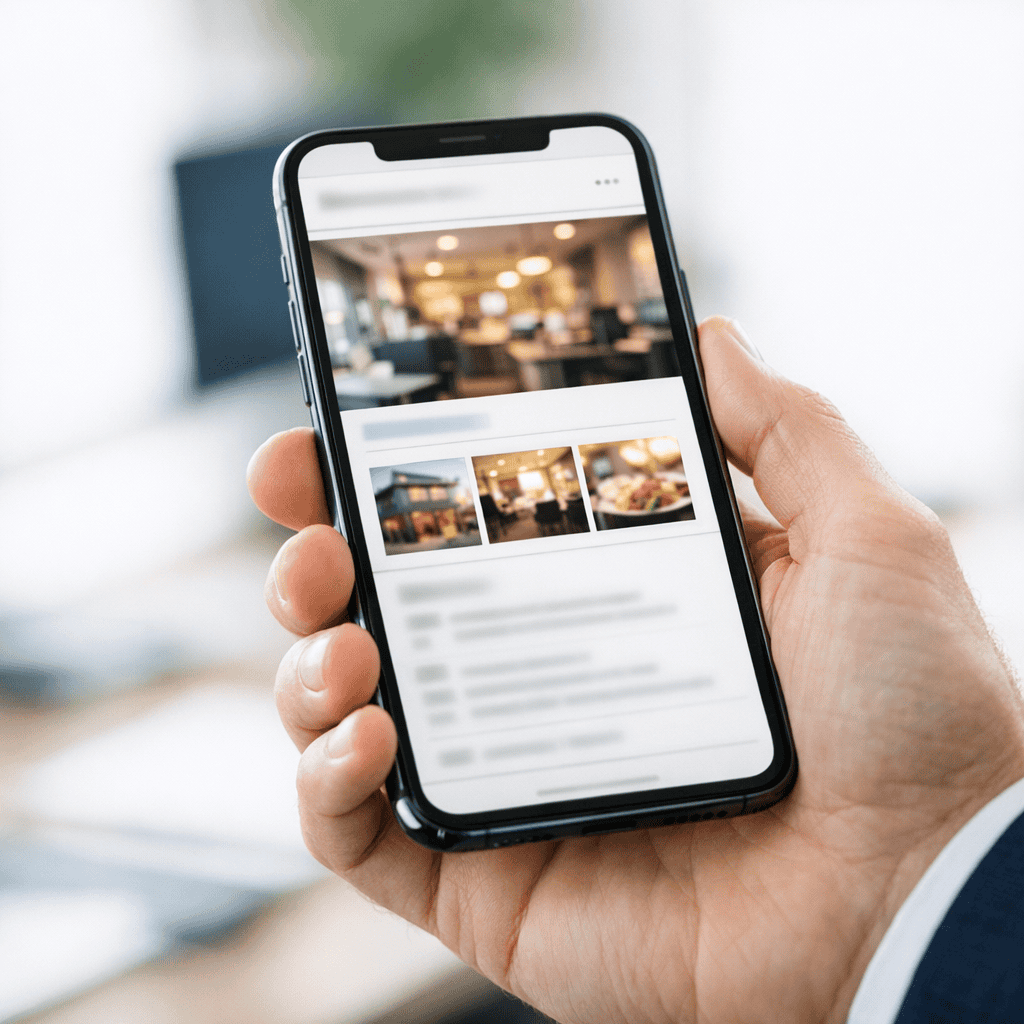
Photos play a bigger role in local search than many businesses realise. They shape first impressions, reinforce legitimacy and give potential customers a clearer sense of what to expect. In competitive local markets across the UK, that can make a measurable difference.
How images influence visibility, clicks and trust
When someone searches for a local service or business, they are often making a quick decision. They may compare several listings in Google Maps or the local pack, glance at reviews, check opening hours and look at photos before deciding where to click.
Strong Google Business Profile photos can help in several ways.
First, they improve visual appeal. A listing with clear, professional and relevant images is more likely to attract attention than one with no photos or poor quality uploads. This can increase click-through rates from search results and Maps.
Second, they build trust. People want reassurance that a business is real, active and professional. Exterior photos help them recognise the premises. Interior photos show the environment. Team photos make the business feel more human. Product and service images help customers understand what they are buying.
Third, they can improve engagement. If users spend more time interacting with your profile, viewing photos, asking for directions or clicking through to your website, that can support stronger overall profile performance. Google wants to surface useful, relevant listings that satisfy searchers. Good imagery helps you do that.
For UK businesses in sectors such as hospitality, retail, healthcare, trades and professional services, trust is often won before a customer ever makes contact. Photos are part of that process.
Where photos appear in Google Business Profile and Maps
Photos are not hidden away in some secondary tab. They are visible across several important touchpoints in the customer journey.
Depending on the type of search and device, your images may appear in:
- Your Google Business Profile knowledge panel
- Google Maps business listings
- The local pack in search results
- Photo galleries within your profile
- Review content uploaded by customers
- Posts and updates connected to your profile
This means your images can influence perception before someone even visits your website. In many local searches, especially on mobile, the Google Business Profile is the first meaningful interaction a customer has with your brand.
That is why business profile photo optimisation should not be treated as an afterthought. If your listing is missing key images, showing outdated visuals or relying heavily on customer uploads that do not represent your business well, you may be losing clicks and enquiries without realising it.
If you want a broader approach to improving visibility in Google Maps and local search, our Google Business Profile Optimisation service can help you turn your listing into a stronger lead generator.
How photos can support local rankings
It is important to be accurate here. Photos alone do not guarantee higher rankings. Google uses a wide range of Google Maps ranking factors, including relevance, distance and prominence. Reviews, category selection, business information accuracy and website signals all play a part.
However, local search ranking factor photos still matter because they can support the wider signals that contribute to profile performance.
User engagement signals that may strengthen performance
Google does not publish a simple formula that says more photos equal better rankings. But it is reasonable to say that better photos can contribute to stronger user engagement, and engagement can support local search performance.
For example, high quality images may help increase:
- Profile views
- Photo views
- Click-throughs to your website
- Calls from your listing
- Requests for directions
- Time spent interacting with your profile
These actions suggest that users find your listing useful and relevant. While no single engagement metric should be treated as a guaranteed ranking signal, businesses with stronger customer trust and engagement often perform better over time.
This is especially true in competitive local searches where several businesses have similar reviews, similar proximity and similar service offerings. In those cases, visual presentation can influence who gets the click.
Photos also help pre-qualify leads. If someone sees exactly what you offer, where you are based and the quality of your work, they are more likely to contact you with realistic expectations. That can improve lead quality as well as volume.
Why relevance, quality and consistency matter
Not all photos are equally useful. Uploading random images in bulk is unlikely to help. The most effective local SEO images are relevant to the business, high in quality and consistent with your brand and service offering.
Relevance means your images should reflect what customers are actually searching for. A solicitor should show the office, reception area and team, not generic stock imagery. A restaurant should show dishes, seating and atmosphere. A plumber should show completed jobs, branded vans and real service work.
Quality matters because blurry, dark or poorly framed photos can reduce trust. They may suggest a lack of professionalism, even if your service is excellent. In contrast, clean, well-lit images create confidence and make your business look established.
Consistency matters because your profile should tell a coherent story. If your branding, premises, team and service quality look inconsistent across images, that can create doubt. Consistent visuals help reinforce your positioning and make the business easier to recognise across search, Maps and your website.
This is where local search ranking factor photos become commercially important. They are not just there to fill a gallery. They should support your sales process by making your business easier to trust and easier to choose.
The types of photos that help most
A useful photo strategy includes a mix of image types. Different photos answer different customer questions. The goal is to remove uncertainty and show the business clearly.
Exterior, interior, team and product images
For many UK businesses, the most valuable starting point is a core set of foundational images.
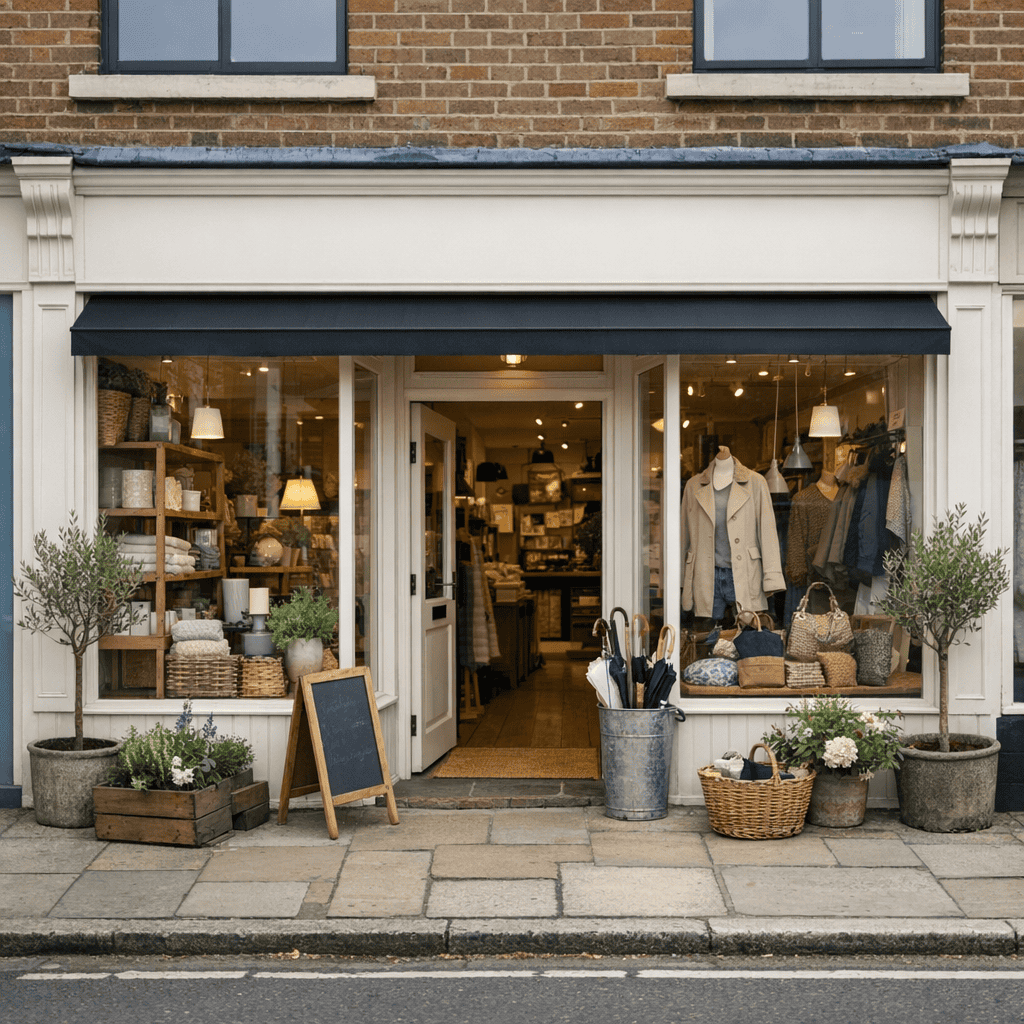
Exterior photos are important because they help customers identify your premises. This is especially useful for shops, clinics, offices, salons, restaurants and any business where customers visit in person. Include shots from the street, signage, entrance and nearby landmarks where relevant.
Interior photos help customers understand the environment. They can show cleanliness, professionalism, layout and atmosphere. For sectors where customer experience matters, such as hospitality, healthcare and retail, this can be a major trust factor.
Team photos make the business feel more personal and credible. People often prefer to deal with real people rather than faceless brands. Professional but natural images of staff, advisors, technicians or customer-facing team members can support customer trust and engagement.
Product images are essential for retailers, manufacturers, food businesses and any company selling physical items. Show products clearly, accurately and in context where possible. Avoid misleading edits or over-styled images that do not reflect reality.
For service businesses, think of service images as the equivalent of product images. Show your work, your tools, your process and the outcomes you deliver.
Before and after, service and location specific photos
Some of the most commercially useful images are those that demonstrate results.
Before and after photos can be highly effective for trades, home improvement firms, landscapers, cleaning companies, aesthetic clinics and similar businesses. They provide proof of capability and help customers visualise the value of your service. Make sure these are genuine, clear and representative.
Service-specific photos are also valuable. If you offer multiple services, create imagery that reflects each one. A dental practice might show hygiene appointments, cosmetic treatments and consultation spaces. A digital agency might show workshops, strategy sessions and team collaboration. A builder might show extensions, kitchens and roofing projects separately.
Location-specific photos can support local relevance. If you serve multiple towns or neighbourhoods, images from real jobs or projects in those areas can help reinforce your local presence. This should be done naturally and honestly. Do not fake locations or upload irrelevant images just to target keywords.
For multi-site businesses, each location should have its own tailored image set. Reusing the same gallery across every listing weakens relevance and can make profiles feel generic.

Best practice for Google Business Profile photos
A good photo strategy is not complicated, but it does need structure. The aim is to make your profile look active, accurate and useful.
Image quality, file types and sizing tips
Start with quality. You do not always need a professional photographer, but you do need images that are sharp, well-lit and properly framed. Modern smartphones can be more than good enough if used carefully.
Focus on these basics:
- Use natural light where possible
- Keep images in focus
- Avoid heavy filters
- Make sure colours look realistic
- Crop images neatly
- Remove clutter where appropriate
- Keep branding visible but not forced
Google generally supports common image formats such as JPG and PNG. In most cases, JPG is a practical choice because it balances quality and file size well. PNG can be useful where detail matters, but file sizes may be larger.
For sizing, use images that are clear on both desktop and mobile. Avoid tiny files that look pixelated and avoid unnecessarily huge files that slow down handling. A sensible approach is to upload high quality images that are web-friendly and not over-compressed.
Also think about composition. A good image should communicate something quickly. If the subject is unclear, the image is less useful. For example:
- An exterior shot should clearly show the entrance or signage
- A team photo should make people easy to recognise
- A product photo should show the item clearly without distraction
- A service photo should demonstrate what is happening
Stock images should generally be avoided for Google Business Profile photos. They do not build trust in the same way as real business imagery and may weaken authenticity.
How often to upload and refresh photos
Freshness is one of the most overlooked parts of business profile photo optimisation. An active profile tends to look more credible than one that has not been updated for years.
You do not need to upload photos every day, but you should refresh your gallery regularly. For many businesses, a monthly upload schedule is realistic and effective. Others may benefit from more frequent updates, especially if they have changing stock, seasonal offers, regular project work or a visually driven service.
Consider refreshing photos when:
- You move premises
- You refurbish or redesign your space
- You launch a new service
- You hire key team members
- You complete notable projects
- You update branding or signage
- You want to reflect seasonal activity
It is also worth reviewing your existing gallery every few months. Remove or replace images that are outdated, poor quality or no longer representative of the business.
Customer-uploaded photos should be monitored too. While you cannot fully control them, you can make sure your own official uploads present the business well and provide a stronger overall impression.
How to build a photo strategy for local SEO
The businesses that get the most from their images usually treat them as part of an ongoing local SEO process, not a one-off task.
Creating a repeatable upload plan for your business
A repeatable plan makes photo management easier and more effective. Start by identifying the core image categories your business needs. For most UK businesses, that will include:
- Logo and cover image
- Exterior shots
- Interior shots
- Team photos
- Product or service images
- Recent work or case examples
- Location-specific images where relevant
Then create a simple upload schedule. This could be monthly or quarterly depending on your business type. Assign responsibility to a team member or marketing lead so it actually gets done.
A practical plan might look like this:
- Month 1: upload core business images and review existing gallery
- Month 2: add recent project or service photos
- Month 3: update team images and seasonal visuals
- Month 4: refresh exterior and interior shots if needed
- Repeat with new work, new staff, new products or local activity
Keep a shared folder of approved images so your team can access suitable content quickly. If you operate across multiple locations, organise folders by branch to avoid confusion.
It is also useful to align your photo uploads with wider marketing activity. If you are publishing case studies, launching campaigns or promoting local events, make sure your Google Business Profile visuals support the same message.
This turns local SEO images into a working commercial asset rather than a static gallery.
Linking photo optimisation with Google Business Profile improvements
Photos work best when they are part of a broader profile improvement strategy. They should support accurate business information, strong reviews, relevant categories, useful services content and regular updates.
For example, if you upload images of a newly refurbished clinic but your opening hours are wrong, your profile is still underperforming. If you show excellent project work but your service descriptions are vague, you may still lose leads. If your photos are strong but your reviews are weak, trust may still be limited.
That is why photo optimisation should sit within a wider Google Business Profile plan.
If you want a broader approach to improving visibility in Google Maps and local search, our Google Business Profile Optimisation service can help you turn your listing into a stronger lead generator. Learn more about our Google Business Profile Optimisation service and how it supports rankings, clicks and conversions.
When all the key elements of your profile work together, photos become more powerful. They reinforce relevance, support trust and help convert visibility into action.
For UK businesses competing locally, that can mean more calls, more direction requests, more website visits and more qualified enquiries.
The key is to be intentional. Do not upload images just to fill space. Use them to answer customer questions, show proof of quality and make your business easier to choose.
Local search ranking factor photos are not a magic fix, but they are a practical and often underused advantage. They help shape first impressions, support customer trust and strengthen the performance of your Google Business Profile over time.
If your current listing has outdated, inconsistent or low quality images, now is the time to address it. Review what customers see, identify the gaps and build a photo plan that reflects the quality of your business.
And if you want expert support to improve your Google Business Profile properly, Steve Welsh Marketing can help you create a stronger local presence that drives real business results. Get in touch to turn your listing into a more effective source of leads.
Questions
FAQ’s
Are photos a local search ranking factor?
Photos can support local search performance, but they do not guarantee higher rankings on their own. Google uses many signals, including relevance, distance and prominence. Good photos can improve trust and engagement, which may help your profile perform better over time.
What photos should I add to my Google Business Profile?
Start with clear exterior, interior, team, product or service photos, plus examples of recent work. If customers visit you, show the entrance and signage. If you provide services, show real work, tools, outcomes and locations where relevant.
How often should I update Google Business Profile photos?
For many UK businesses, monthly or quarterly updates are realistic. Refresh photos when you move premises, update branding, add services, complete notable projects or change key team members. Remove images that are outdated or no longer represent the business.
Should I use stock photos on my Google Business Profile?
No. Real business photos are usually more useful because they show what customers can genuinely expect. Stock images can feel generic and may reduce trust if they do not reflect your premises, team, products or services.
How do photos fit into broader Google Business Profile optimisation?
Photos should work alongside accurate business information, relevant categories, strong reviews, clear service descriptions and regular updates. If the wider profile is weak, photos alone will not fix it. Together, these elements can support visibility, clicks and enquiries.

Steve Welsh is a digital marketing consultant and founder of Steve Welsh Marketing, helping businesses improve search visibility, attract better leads, and grow through practical, results-focused marketing.
More about Steve →