Originally published: 6 June 2024
Last updated: October 2026
Quick answer:
Email marketing works best for small businesses when it is permission-based, regular and useful. Build a list of people who have asked to hear from you, split it into a few simple segments, and send one helpful email at least monthly with a single clear call to action. Set up SPF, DKIM and DMARC so your emails reach the inbox, write subject lines that say what is inside, personalise using what you know about each reader, and judge results on clicks, replies and enquiries rather than open rates. Add a few automated emails, such as a welcome email and a follow-up after an enquiry, and they will keep working in the background.
Who this guide is for
This is for UK small businesses that want email to bring in repeat work, referrals and new enquiries. It replaces several earlier articles of ours on email strategies, sending campaigns, engagement rates, storytelling, personalisation, segmentation and privacy, so everything you need is now in one guide.

Step 1: Build a list the right way
Get permission
In the UK, marketing emails are covered by UK GDPR and the Privacy and Electronic Communications Regulations (PECR). In practice, for emails to individuals:
- You need clear consent, such as an unticked box or a sign-up form that says what people will receive.
- The exception is the soft opt-in: you can email existing customers, or people who were in discussions to buy from you, about similar products and services, as long as you gave them a chance to opt out when you collected their details and in every email.
- Emails to business addresses at limited companies have looser consent rules, but you must still say who you are and offer an easy way to unsubscribe.
- Never buy email lists. They damage deliverability and are rarely compliant.
This is a summary, not legal advice. The Information Commissioner’s Office (ICO) publishes clear guidance on direct marketing if you need more detail.
Give people a reason to sign up
- A useful download, such as a checklist, price guide or buyer’s guide.
- A short regular email of practical tips relevant to your customers.
- Early access to offers, availability or events.
- Sign-up at the point of sale or enquiry, with the right consent wording.
Put a short sign-up form on your website’s most visited pages, not just the footer, and ask only for an email address and first name.
Step 2: Make sure your emails reach the inbox
Since 2024 Gmail and Yahoo have required bulk senders to authenticate their emails, and other providers apply similar checks. Even if you send small volumes, setting these up protects your deliverability:
| Setting | What it does | Where to set it |
|---|---|---|
| SPF | Lists the services allowed to send email for your domain | A DNS record at your domain provider |
| DKIM | Adds a digital signature showing the email has not been altered | Generated by your email platform, added to DNS |
| DMARC | Tells inboxes what to do with emails that fail SPF or DKIM | A DNS record, start with a monitoring policy |
| One-click unsubscribe | Lets people leave easily rather than marking you as spam | Built into most email platforms |
Keep spam complaints very low by only emailing people who expect to hear from you, and remove addresses that bounce or have not engaged for a long time. Our guide on how to improve email deliverability goes into this in detail.
Step 3: Segment your list
Segmentation means sending different emails to different groups. It is the simplest way to make emails more relevant, and relevant emails get more clicks and fewer unsubscribes. You do not need dozens of segments. For most small businesses three to five is plenty:
| Segment | Example email |
|---|---|
| New subscribers | A welcome series introducing your business and best resources |
| Enquiries who have not bought | Answers to common questions, case studies, a reminder to book |
| Customers | Aftercare tips, related services, a request for a review or referral |
| Lapsed customers | A check-in, what is new, a reason to come back |
| By service or interest | Content and offers matched to what they bought or downloaded |
Most email platforms, including Brevo and Mailchimp, let you tag contacts when they sign up, enquire or buy, so segments build themselves.

Step 4: Personalise beyond the first name
Using someone’s first name is a start, but real personalisation means sending content that matches their situation:
- Refer to the service they enquired about or bought.
- Send emails based on actions, such as a follow-up two days after an enquiry or a check-in a year after a job.
- Use location where it matters, such as local events or availability in their area.
- Send from a real person with a real reply-to address, and invite replies.
Only use data people would expect you to use, and say in your privacy notice how you use it. Personalisation that feels intrusive does more harm than good.
Step 5: Write emails people want to read
Subject lines
- Say what is inside: 5 jobs to do in the garden before winter beats October newsletter.
- Keep them short enough to read on a phone, roughly 30 to 50 characters.
- Use the preview text to add a second line of information, not to repeat the subject.
- Avoid all capitals, excessive punctuation and misleading claims.
The email itself
- One main purpose and one main call to action per email.
- Short paragraphs, plain language, and the key point in the first two lines.
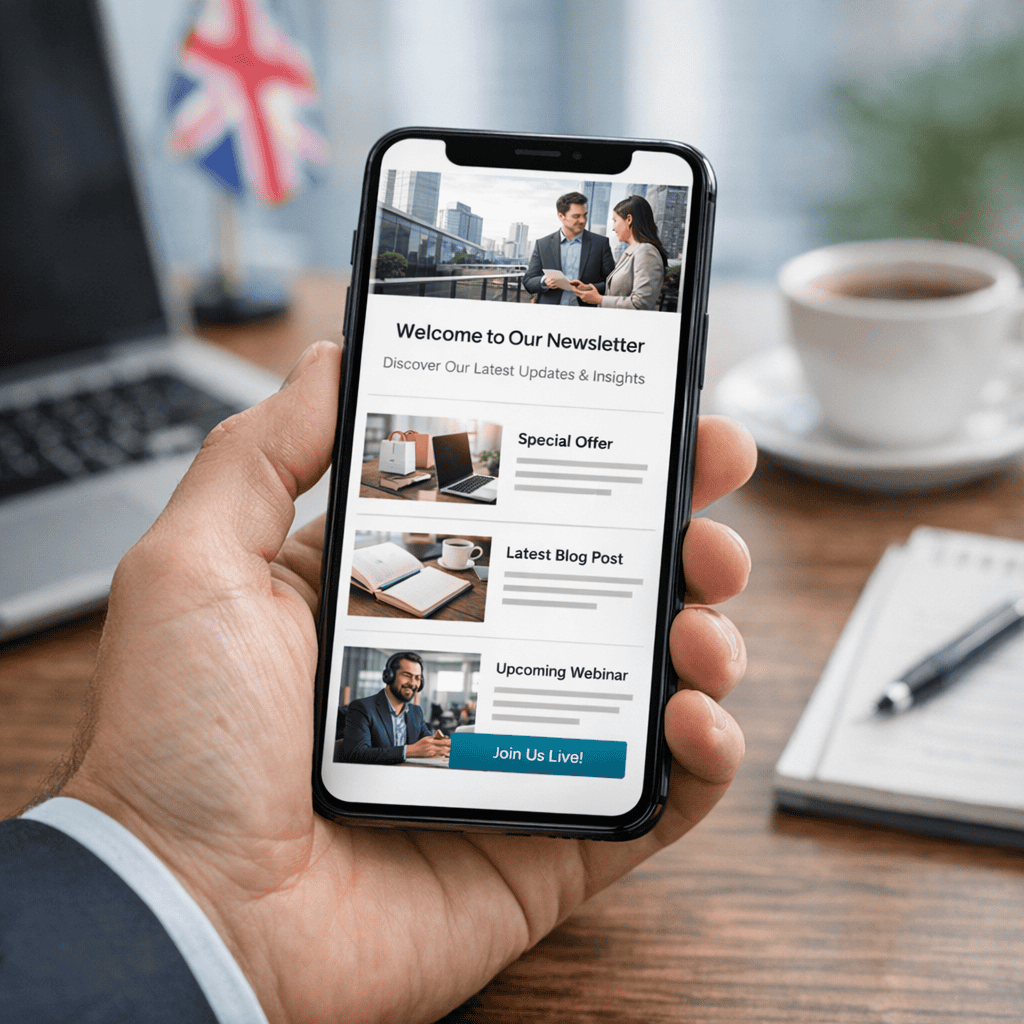
- Design for mobile first: a single column, readable text and large buttons.
- Include your business name, address and an unsubscribe link in the footer.
Use stories
A short story is often more persuasive than a list of features. Describe a real customer’s problem, what you did and the result, with their permission. A paragraph or two is enough: the situation, the turning point and the outcome, then a link for readers in the same position.
Step 6: Set up a few automated emails
Automations are emails that send themselves when someone takes an action. Set them up once and they work every day:
| Automation | When it sends | What it contains |
|---|---|---|
| Welcome | Straight after sign-up | Who you are, what to expect, your most useful resource |
| Enquiry follow-up | Two to three days after an enquiry with no booking | Answers to common questions, proof, an easy next step |
| Post-purchase | A few days after a job or purchase | Aftercare tips and a review request |
| Re-engagement | After six to twelve months with no opens or clicks | A check-in and an option to stay subscribed |
If you want a fuller picture of how these fit together, our guide to building an automated sales funnel shows how email connects with your website and enquiries.
Step 7: Measure what matters
| Metric | What it tells you | Notes |
|---|---|---|
| Click rate | Whether the content was interesting enough to act on | The most useful engagement measure |
| Replies and enquiries | Whether email is producing business | Track enquiries from email in Google Analytics using tagged links |
| Unsubscribe rate | Whether frequency and relevance are right | A rise after a send is a signal to review content or targeting |
| Bounce and complaint rate | List quality and deliverability | Remove bounced addresses and keep complaints very low |
| Open rate | Roughly how many people saw the email | Unreliable since Apple Mail Privacy Protection began inflating opens in 2021, so use for trends only |
Compare each email against your own previous sends rather than published industry averages, which vary widely and are often based on very different businesses.
How to improve engagement
- Send at a consistent rhythm, so people recognise and expect your emails.
- Test one thing at a time, such as two subject lines on a small part of the list.
- Send each segment content that matches what they signed up for or bought.
- Make the call to action a button, near the top, with specific wording such as Book a free survey.
- Remove or re-engage inactive subscribers, which improves deliverability for everyone else.
- Ask a question and invite replies. Replies are a strong positive signal to inbox providers.
A simple monthly routine
- Week 1: plan the month’s email around one useful topic and one call to action.
- Week 2: write, design and test on a phone, then send to the main list or segment.
- Week 3: check clicks, replies and enquiries, and follow up personally with anyone who clicked on a service link.
- Week 4: clean the list, review automations and note one thing to improve next month.

Getting help
Steve Welsh Marketing helps small UK businesses set up email marketing that brings in work, from list building and automations to monthly campaigns. See our marketing packages, read our email marketing guide, or get in touch.
Questions
FAQs
-
What are the most important email marketing best practices?
Email only people who have given permission, authenticate your domain with SPF, DKIM and DMARC, segment your list, personalise based on what you know, send useful content regularly with one clear call to action, design for mobile, and measure clicks and enquiries rather than opens.
-
Can I email my existing customers without consent?
Under the soft opt-in rule you can usually email existing customers, or people who were in discussions to buy, about similar products and services, provided you gave them a chance to opt out when you collected their details and in every email. Check the ICO’s direct marketing guidance for your situation.
-
How often should a small business send marketing emails?
At least monthly so people remember you, and no more often than you can make every email useful. Many small businesses do well with a monthly email plus a few automated emails triggered by sign-ups, enquiries and purchases.
-
How do I segment my email list?
Start with a few simple groups such as new subscribers, enquiries who have not bought, customers and lapsed customers, then add segments by service or interest. Tag contacts automatically when they sign up, enquire or buy.
-
How can I improve my email engagement rates?
Send content matched to each segment, write subject lines that say what is inside, use a single clear call to action, send at a consistent rhythm, invite replies and remove inactive subscribers. Test one change at a time.
-
Why are my open rates unreliable?
Since 2021 Apple Mail Privacy Protection has loaded emails automatically for many users, recording opens that did not happen. Use open rates only for trends, and focus on clicks, replies and enquiries.
-
What are SPF, DKIM and DMARC?
They are DNS records that prove your emails really come from your domain. SPF lists the services allowed to send for you, DKIM adds a digital signature and DMARC tells inboxes what to do with emails that fail. Gmail and Yahoo require them for bulk senders.
-
Does storytelling work in business emails?
Yes. A short real example of a customer’s problem, what you did and the result, shared with permission, is often more persuasive than a list of features. Keep it to a paragraph or two and finish with a link for readers in the same position.

Steve Welsh is a digital marketing consultant and founder of Steve Welsh Marketing, helping businesses improve search visibility, attract better leads, and grow through practical, results-focused marketing.
More about Steve →