Originally published: 22 October 2024
Last updated: October 2026
Quick answer:
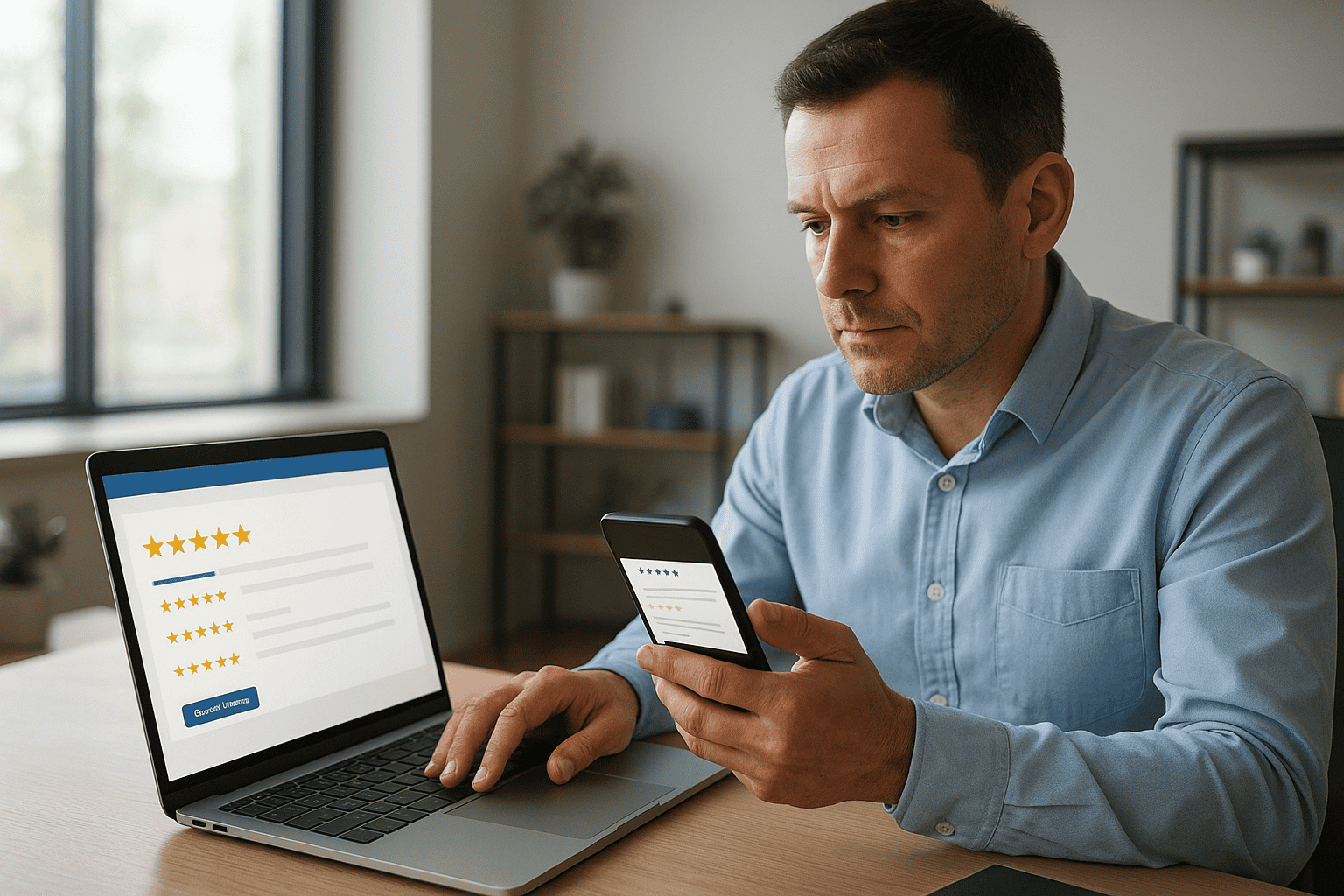
To get more and better Google reviews, ask every satisfied customer at the moment they are happiest, using a direct review link sent by text or email, and make it as quick as possible for them. Ask everyone, not just the people you expect to be positive, never offer incentives, and reply to every review within a few days. A steady flow of recent, detailed reviews helps you rank in Google Maps and persuades people to choose you over competitors.
Why reviews matter
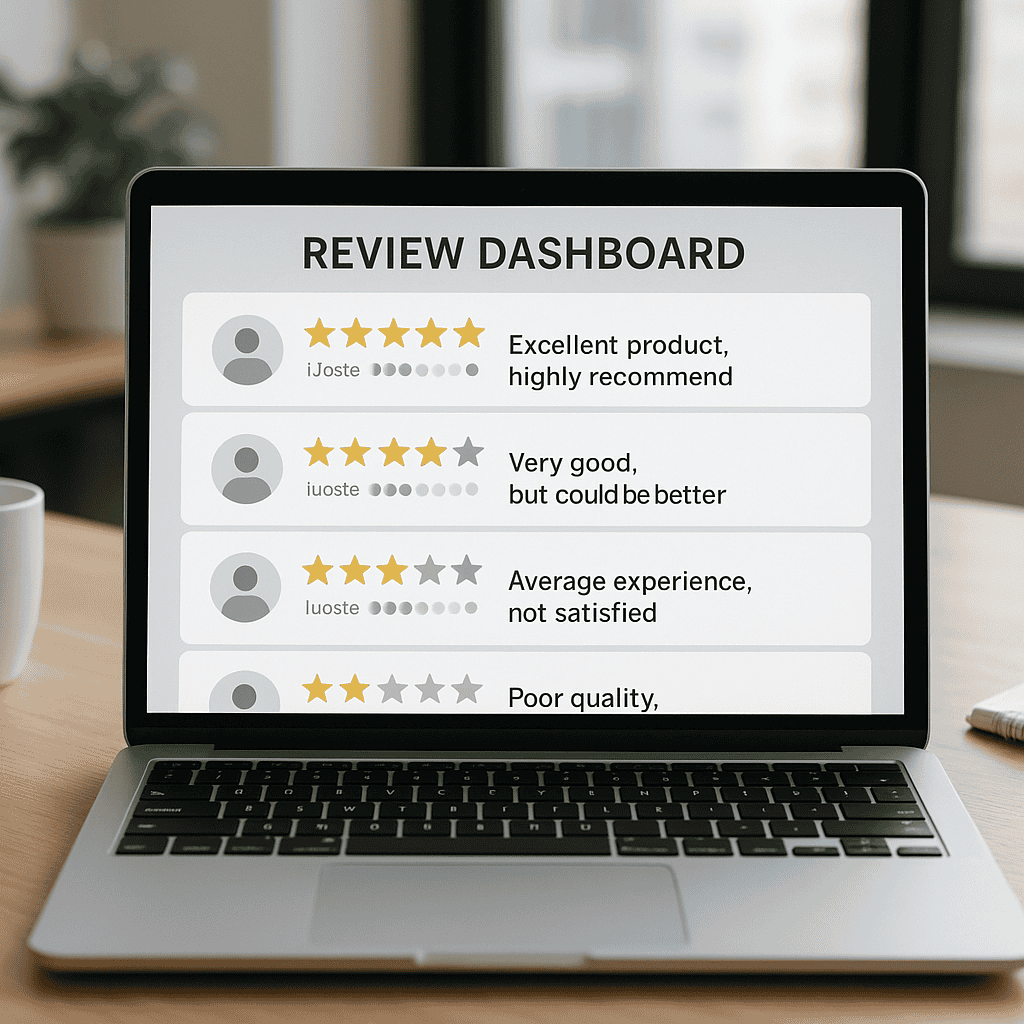
- Ranking: review count, rating and recency are part of how Google judges how prominent a local business is.
- Choice: people compare ratings and read recent reviews before deciding who to contact.
- Insight: reviews tell you what customers value and where you can improve.
This guide combines our earlier articles on Google Business Profile reviews and getting more reviews in Kilmarnock.

Step 1: Get your review link
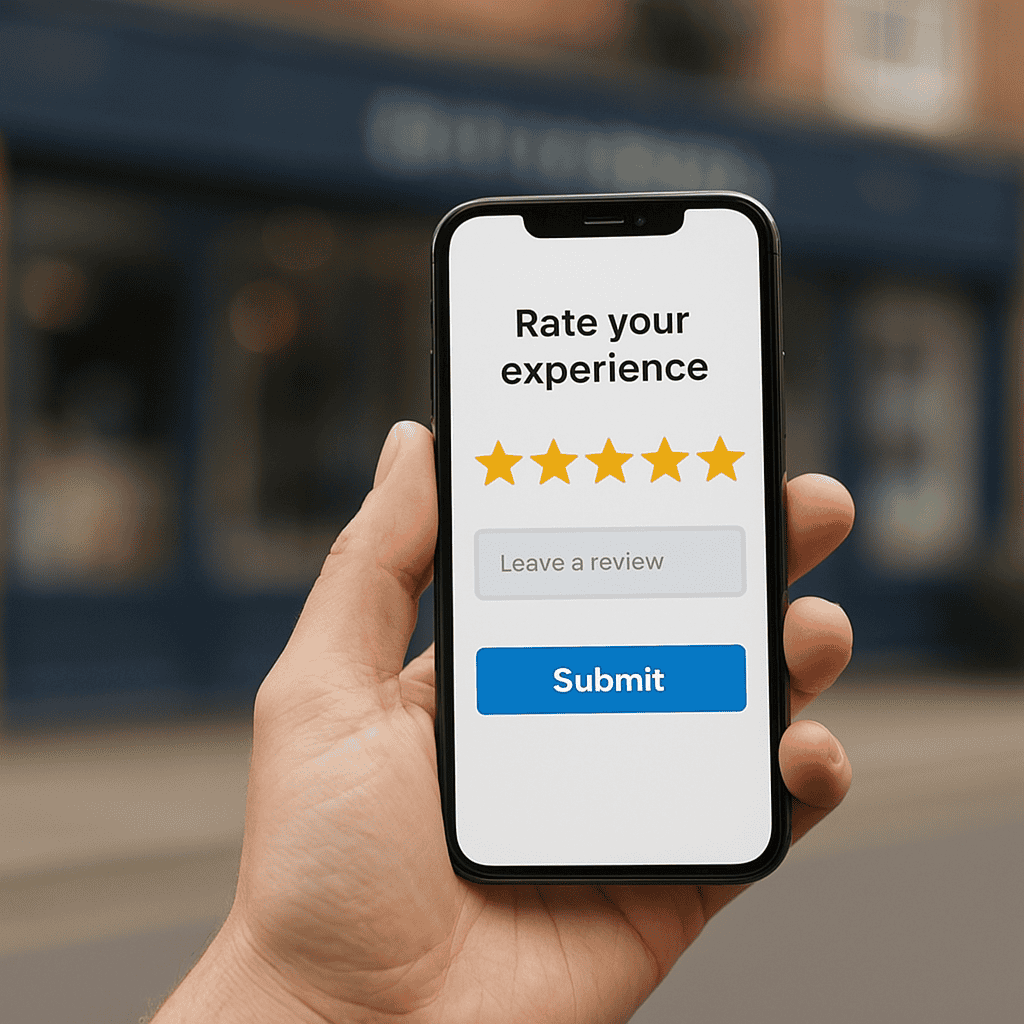
In your Google Business Profile, choose Ask for reviews (sometimes shown as Get more reviews) to copy a short link or QR code that opens the review form directly. Save it somewhere easy to reach on your phone.
Step 2: Ask at the right moment
- When the job is finished and the customer has said they are pleased.
- After a compliment by phone, email or in person.
- A day or two after delivery, once they have used the product.
- Never weeks later, when the experience has faded.
Step 3: Make it easy
Send the link by text or email with a short personal message. For example:
Hi Sarah, thanks again for choosing us for your kitchen. If you have a minute, a quick Google review would really help a small local business like ours: [link]. Thank you, Steve.
You can also add the QR code to invoices, receipts, business cards and a small sign at your premises.
Step 4: Stay within the rules
Google’s policies and UK law both apply to reviews:
- Do not offer discounts, gifts or prize draws in exchange for reviews.
- Do not ask only happy customers or filter people away from reviewing. Google prohibits selectively asking for positive reviews.
- Do not write reviews of your own business or ask staff, friends or family to do so.
- Never buy reviews. Since April 2025 the Digital Markets, Competition and Consumers Act has made fake reviews, and commissioning them, explicitly unlawful in the UK.
Breaking these rules can lead to reviews being removed, warnings on your profile or restrictions on your listing.
Step 5: Reply to every review
| Review type | How to reply |
|---|---|
| Positive | Thank them by name, mention the service naturally, and add a personal detail so it does not look templated |
| Mixed | Thank them, acknowledge the issue and explain briefly what you have done about it |
| Negative | Stay calm and polite, apologise for their experience, avoid arguing in public, and invite them to contact you directly to resolve it |
| Fake or abusive | Reply briefly and professionally, then report it through your profile |
Prospective customers read replies as much as reviews. A thoughtful response to a negative review often reassures people more than another five-star rating. If you believe a review is fake, our guide to removing fake Google reviews explains the process.

Step 6: Make reviews part of the routine
- Add a review request to your job completion checklist or automate it in your email platform or booking system.
- Set a simple target, such as a few new reviews every month, and check it monthly.
- Share good reviews with the team, and use them on your website and social media with permission.
- Look for patterns in feedback and act on them.
For local businesses in Kilmarnock and Ayrshire
In smaller towns, a handful of recent reviews can make a noticeable difference to how you compare with competitors in the map results. Look at the businesses currently in the top three for your main search and aim to match their recent review activity. Encourage customers to mention the service and, where natural, the town, which helps people searching locally see that you work in their area. Our guide to local SEO for Ayrshire businesses covers the other factors.
Getting help
Steve Welsh Marketing helps businesses set up review processes that run themselves as part of Google Business Profile optimisation. Get in touch to find out more.
Questions
FAQs
-
How do I get more Google reviews?
Ask every satisfied customer straight after the job, send a direct review link by text or email, add a QR code to invoices and receipts, and make asking part of your routine. Reply to every review you receive.
-
Can I offer a discount for a Google review?
No. Google’s policies prohibit incentives for reviews, and UK consumer law also restricts practices that distort reviews. Ask genuinely and make it easy instead.
-
How do I find my Google review link?
In your Google Business Profile, choose Ask for reviews or Get more reviews to copy a short link or download a QR code that opens the review form directly.
-
Should I reply to negative reviews?
Yes, calmly and politely. Acknowledge the experience, avoid arguing, and invite the reviewer to contact you directly. Future customers often judge you by how you handle criticism.
-
Do Google reviews help local rankings?
Yes. The number, rating and recency of reviews are part of how Google assesses a business’s prominence in local results, and they strongly influence whether people choose you.
-
Are fake reviews illegal in the UK?
Yes. Since April 2025 the Digital Markets, Competition and Consumers Act has explicitly banned fake reviews and commissioning them, in addition to Google’s own policies.

Steve Welsh is a digital marketing consultant and founder of Steve Welsh Marketing, helping businesses improve search visibility, attract better leads, and grow through practical, results-focused marketing.
More about Steve →