Originally published: 22 October 2024
Last updated: October 2026
Quick answer:
If your Google Business Profile isn’t ranking, the cause is usually one of six things: the wrong primary category, an incomplete profile, too few recent reviews compared with competitors, a weak or unclear website behind the profile, inconsistent business details across the web, or simply being too far from where people are searching. Work through them in that order. Fix the category and fill in every section first, because those changes are free, quick and often make the biggest difference. Then build reviews, photos and posts steadily, and make sure your website backs up what the profile says.
Who this guide is for
This guide is for UK business owners whose Google Business Profile is not showing in the map results, or not as high as competitors. It combines several of our earlier articles on Google Business Profile setup, common mistakes, categories, photos, posts and voice search into one complete checklist.
Work through it with your profile open in another tab. Search for your business name on Google while signed in, or open the Google Business Profile manager, and click Edit profile to make changes.
First, check whether it is really a ranking problem
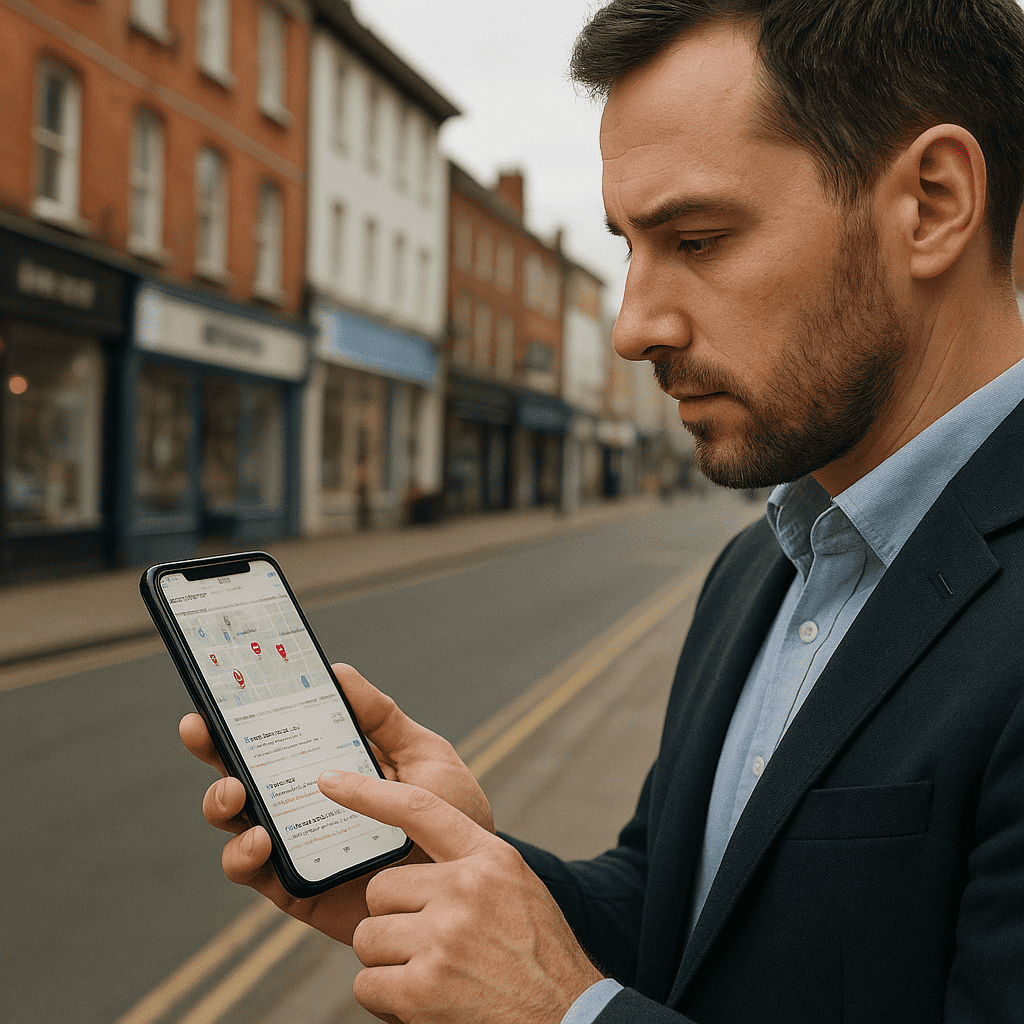
Map results are personal to the searcher’s location, so what you see on your own phone at your own premises is misleading. Before changing anything:
- Check the profile is verified and live. In the profile manager, look for any message about verification, suspension or edits under review.
- Search by brand name. If your business does not appear when you search its exact name and town, the problem is visibility or a suspension rather than ranking.
- Look at the searches that find you. In Performance, the searches breakdown shows the phrases people used. If they are all your business name, you are not yet showing for service searches.
- Check from different locations. A grid rank tracker such as Local Falcon or BrightLocal shows where you appear across a map of your area, not just from one spot.
If your profile has been suspended, our guide to reclaiming a suspended Google Business Profile explains what to do.
How Google ranks business profiles
Google says local results are based on three things: relevance (how well your profile matches the search), distance (how far you are from the searcher or the place in the search) and prominence (how well known your business is, including reviews, links and your website). You cannot move your premises, so the work is about being as relevant and as prominent as possible.
Fix 1: Choose the right categories
Your primary category is one of the strongest relevance signals on the whole profile, and getting it wrong is the most common reason a profile does not rank for its main service.
- Choose the most specific category that describes your main service. Emergency locksmith service or Locksmith rather than Security service; Wedding photographer rather than Photographer if weddings are your main work.
- Look at the businesses already in the top three for your main search. Their primary categories show you what Google associates with that search.
- Add secondary categories only for services you genuinely offer. You can have up to nine, but unrelated categories dilute relevance rather than adding reach.
- After changing the primary category, give it two to four weeks before judging the result.
Fix 2: Complete every section of the profile
| Section | What good looks like |
|---|---|
| Business name | Your real trading name only. Adding keywords or locations breaks Google’s guidelines and risks suspension. |
| Address or service area | Show the address if customers visit you. If you travel to customers, hide the address and list the towns or areas you serve (up to 20). |
| Phone and website | Matching your website exactly. Link to the most relevant page, usually the homepage or main location page. |
| Hours | Accurate, including holiday and special hours. Profiles that look closed at the time of a search are less likely to be shown. |
| Description | Up to 750 characters: what you do, who for, where, and what makes you different. Written for people, not stuffed with keywords. |
| Services | Every service listed separately, with a short description and a price or price range where possible. |
| Products | Useful for showing key services or packages with a photo and link, even for service businesses. |
| Attributes | Accessibility, payment options, ownership and other attributes that apply to you. |

Fix 3: Build reviews steadily
Reviews are one of the clearest prominence signals, and they also decide whether people click on you rather than a competitor. Compare your profile with the top three for your main search: the number of reviews, the average rating and, importantly, how recent the latest ones are.
- Ask every satisfied customer, at the moment they are happiest, with a direct review link sent by text or email.
- Aim for a steady flow every month rather than occasional bursts.
- Reply to every review within a few days. Mention the service naturally in your reply.
- Never buy reviews, review your own business or offer incentives for reviews. Google removes them and may restrict the profile.
Our guide to getting better Google Business Profile reviews covers this in detail, and there is separate advice on removing fake reviews.
Fix 4: Add real photos regularly
Photos help people choose you and show Google that the business is active. Use real photos, not stock images:
- Your premises from outside, so people recognise it when they arrive, and inside if customers visit.
- Completed work, before and after where possible.
- Your team and vehicles.
- Products, menus or price lists where relevant.
Add a few new photos every month. Make sure the logo and cover photo are set, clear and current.
Fix 5: Post updates every week or two
Posts appear on your profile and show that the business is active. They are a small direct ranking factor but a useful way to present services, offers and recent work to people already looking at your profile.
- Updates: a recent job, a seasonal tip or news, with a good photo.
- Offers: a time-limited deal with clear terms.
- Events: open days, workshops or appearances.
Keep each post short, start with the most useful sentence, add a photo and use a button such as Call or Book. One good post a week is plenty for most small businesses.

Fix 6: Make your website back up the profile
Google uses your website to understand and verify what your profile says. A strong website is often what separates a profile in the top three from one in position eight.
- The page your profile links to should clearly state your main service and location in its title and main heading.
- Your business name, address and phone number on the website should match the profile exactly.
- Each main service should have its own page, so Google can match the profile to specific searches.
- Add LocalBusiness schema with the same details. Most SEO plugins can do this.
Our guide to local SEO covers the website side in more detail.
Fix 7: Keep your details consistent everywhere
Check that your name, address and phone number are identical on your website, Google, Bing Places, Apple Business Connect, Facebook, Yell and any trade directories. Old addresses or phone numbers left on directories after a move are a common cause of weaker local rankings.
Voice search and your profile
When people ask a voice assistant for a nearby business, the answer is usually drawn from business profiles and map data. The profiles most likely to be chosen are complete, accurate, open at the time of the search and well reviewed. Accurate hours, a correct primary category and clear service names matter most. There is no separate voice search setting to optimise.
Common mistakes that hold profiles back
| Mistake | What to do instead |
|---|---|
| Keywords or towns added to the business name | Use your real trading name only |
| A broad primary category | Choose the most specific category for your main service |
| Services section empty | List every service separately with descriptions |
| No new reviews for months | Ask after every job, every time |
| Stock photos or no photos | Add real photos of your work and team regularly |
| Address shown for a home-based service business | Hide the address and set a service area |
| Using a virtual office or PO box as the address | Only use an address where you are staffed during opening hours |
| Website does not mention the service or area | Make the linked page clearly about your main service and location |
| Hours not updated for holidays | Set special hours in advance |
| Ignoring negative reviews | Reply calmly and helpfully to every one |
Measure progress
- Profile performance: calls, website clicks, direction requests and bookings, compared month by month.
- Searches: whether the phrases that find you are moving from your business name towards your services.
- Map position: a grid rank check once a month for your two or three main searches.
- Website enquiries from your profile: add a tracking parameter to your profile’s website link so Google Analytics can separate those visits.
Category changes and profile completion can show results within a few weeks. Reviews, photos and website improvements build over two to three months.

Getting help
If you have worked through this list and your profile is still not ranking, a fresh pair of eyes often spots the issue quickly. Steve Welsh Marketing offers Google Business Profile optimisation and a Google Business Profile audit for UK businesses, or you can get in touch to talk it through.
Questions
FAQs
-
Why is my Google Business Profile not showing on Google Maps?
Check first that the profile is verified, live and not suspended, and that it appears when you search your exact business name. If it does, the usual causes of low visibility are the wrong primary category, an incomplete profile, fewer recent reviews than competitors, a weak website and inconsistent business details.
-
How do I choose the right Google Business Profile category?
Pick the most specific category that describes your main service, and check the primary categories used by the businesses already in the top three for your main search. Add secondary categories only for services you genuinely offer.
-
How many Google reviews do I need to rank?
There is no fixed number. Compare yourself with the businesses in the top three for your main search, and aim for a steady flow of new reviews every month. Recent reviews matter more to customers than a large number of old ones.
-
Do Google Business Profile posts help rankings?
Posts are a small direct factor but they show the business is active and help convert people who are already viewing your profile. One useful post a week or fortnight, with a real photo and a clear button, is enough for most small businesses.
-
Do photos affect local ranking?
Real, regular photos help people choose you and show Google the business is active. Add photos of your work, premises, team and vehicles every month, and avoid stock images.
-
Can I put keywords in my business name?
No. Your business name on Google should match your real trading name. Adding keywords or locations breaks Google’s guidelines and is a common reason for profiles being suspended.
-
How do I optimise my profile for voice search?
Keep your hours, category, services and contact details accurate and complete, and keep reviews coming in. Voice assistants draw on the same business profile data, so a complete and well-reviewed profile is the best preparation.
-
How long does it take to improve Google Business Profile ranking?
Category changes and completing the profile can show results within two to four weeks. Reviews, photos, posts and website improvements build over two to three months.

Steve Welsh is a digital marketing consultant and founder of Steve Welsh Marketing, helping businesses improve search visibility, attract better leads, and grow through practical, results-focused marketing.
More about Steve →